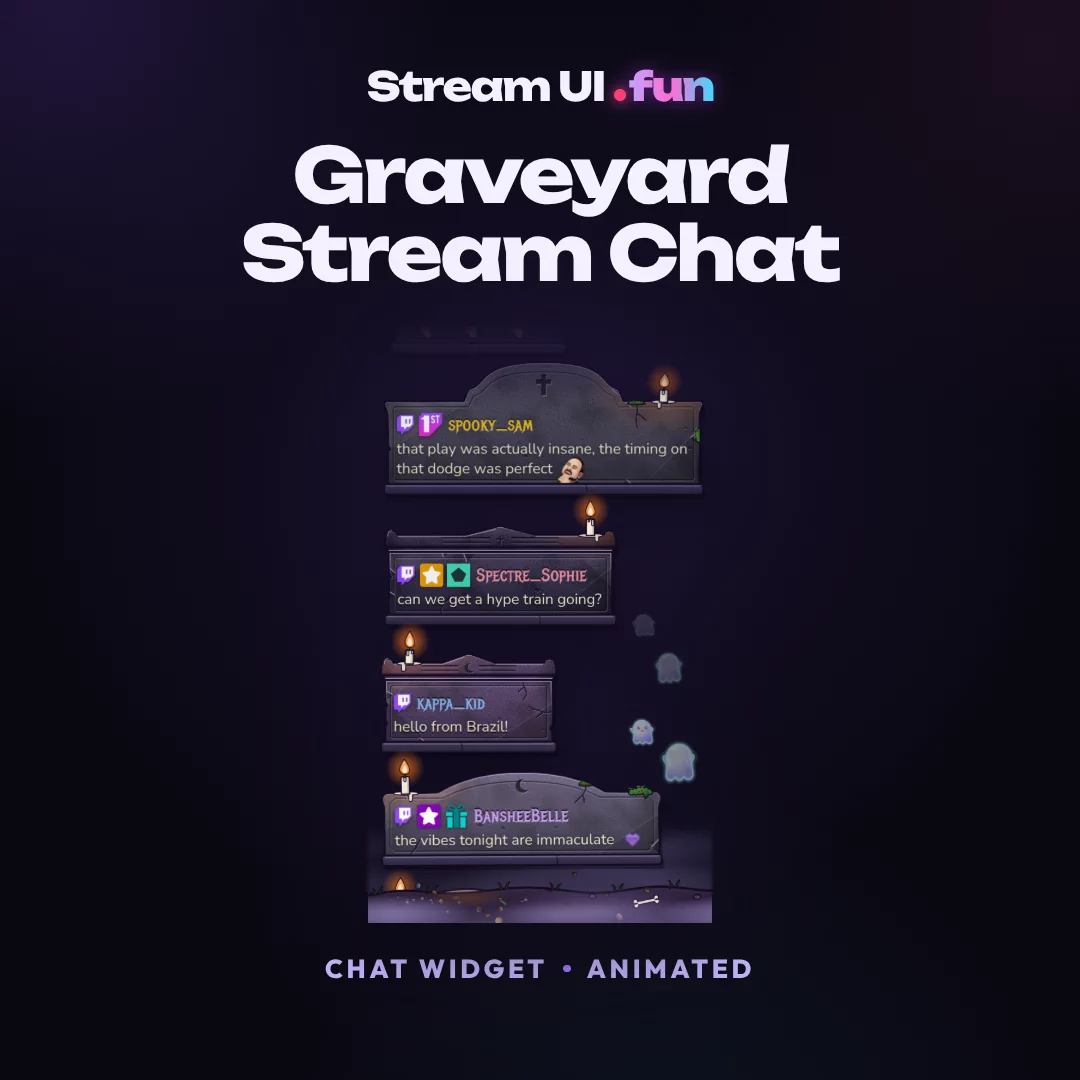
 NEW
NEWGraveyard Stream Chat
Chat Widget · Animated
Works with OBS Studio, Streamlabs, StreamElements, Meld Studio, XSplit
$14.99
In the Halloween Bundle · save 81%
Stream UI .fun
The fonts, colours, gradients and icons behind Stream UI .fun. Click any token to copy it.
Values are read live from src/styles/tokens.css, so this page never drifts from the code.
“Stream UI” in Unbounded 800, then .fun: a pulsing LIVE dot and “fun” in Unbounded 900 filled with the animated --grad-fun. It speeds up on hover and stops under reduced motion.
On page background
On aurora hero
On a card surface
Default: the LIVE dot pulses (1.8s) and the gradient shifts (6s). Hover speeds both up.
<Logo static />: frozen frame, also used automatically under reduced motion.
Join The .fun Squad
Wrap ".fun" in display headings as <span class="fun-text">.fun</span>: gradient, no dot. In body text, .fun stays plain.

public/favicon.svg: 64 × 64, radius 16, --cta-grad fill, white Unbounded 900 "f" (nudged 3px left), 16px --live dot top-right with a 3px #2A0F5E ring so it stays crisp at tab size.
--text-1.54 colour tokens in 6 groups. Every swatch shows the token, its value, its role and a WCAG contrast check.
Violet-tinted near-blacks. Contrast shows --text-1 set on each surface.
Contrast measured on --bg-0. --text-4 is for legal fine print only, at 12px or more.
Brand scale. Light steps show contrast as text on --bg-0; dark steps show white text on them.
Used sparingly in gradients, previews and highlights. Contrast measured as text on --bg-0.
Semantic tokens. Use these in components instead of raw scale steps.
Each shown as a real .flag or .pill. Badge text is always --badge-ink.
Contrast key AAA 7:1+ · AA 4.5:1+ body text · AA Large 3:1+ for 24px+ or bold 19px+ text and UI shapes · Decor below 3:1, never for text.
Soft, glowing gradients. --cta-grad means “buy”, so it never appears on anything else.
Three variable families from Fontsource, imported once in BaseLayout: Unbounded for display, Outfit for everything you read, JetBrains Mono for values.
Logo, H1–H3, hero, section titles, PDP price, sticker text
Wide: keep it off running text, always use negative tracking and never set it below 18px.
@fontsource-variable/unbounded
Body, nav, buttons, cards, badges, forms
Body text is 16px minimum; UI text 12px minimum (11px only for 800-weight caps pills).
@fontsource-variable/outfit
Spec values, transition points, codes, countdowns, token names
Use for values people copy or compare: 900 ms, 1920 × 1080, SQUAD10.
@fontsource-variable/jetbrains-mono
Your Chat’s Next Evolution
Your Chat’s Next Evolution
Your Chat’s Next Evolution
Your Chat’s Next Evolution
Every weight 22px
Animated chat, goals, overlays & stingers.
Animated chat, goals, overlays & stingers.
Animated chat, goals, overlays & stingers.
Animated chat, goals, overlays & stingers.
Animated chat, goals, overlays & stingers.
Animated chat, goals, overlays & stingers.
Animated chat, goals, overlays & stingers.
Animated chat, goals, overlays & stingers.
Animated chat, goals, overlays & stingers.
Animated chat, goals, overlays & stingers.
500 · 14pxTP 900 ms · 1920 × 1080 · SQUAD10
700 · 14pxTP 900 ms · 1920 × 1080 · SQUAD10
500 · 13pxTP 900 ms · 1920 × 1080 · SQUAD10
700 · 24pxENDS IN 37D 05H
In context: a product spec table
Fluid sizes use clamp(): the first value is mobile, the second is the 1440px desktop size. Resize the window to watch them move.
| Sample | Token | Size | Font / weight / tracking | Use |
|---|---|---|---|---|
| Go Live | 40 → 84px | Unbounded 800 / -0.035em / lh 1.02 | Home hero headline | |
| Shop All | 32 → 52px | Unbounded 800 / -0.03em | Page H1 (collections 40px desktop, policies) | |
| Nebula Glass Multichat | 30px mobile / 38px ≥1024 | Unbounded 800 / -0.03em / lh 1.1 | PDP H1: product name | |
| Works With Your Setup | 28 → 40px | Unbounded 700 / -0.02em | Big section H2 ("Works With Your Setup") | |
| Shop New Arrivals | 24 → 30px | Unbounded 700 / -0.02em | Section H2 ("Shop New Arrivals") | |
| Stream-Ready Promise | 22px | Outfit 700 | H3, card titles in big tiles | |
| Nebula Glass Multichat | 18px | Outfit 700 / -0.01em | Product card title, lead paragraph (400) | |
| Paste one link into OBS and you are live. | 16px | Outfit 400 / lh 1.65 | Body, buttons (800 caps) | |
| Multichat Widget · Animated | 14px | Outfit 500 | Meta, type line, nav sub-links, captions | |
| Product details | 12px | Outfit 700 caps / 0.12em | Eyebrows, labels ("ONE-TIME LICENCE", "PRODUCT DETAILS"), legal | |
| New | 11px | Outfit 800 caps / 0.08em | Nav NEW pill only | |
| TP 900 ms | 13–14px | JetBrains Mono 500 | Specs, "TP 900 ms", codes |
Write labels in sentence case in the source; CSS uppercases buttons, badges and eyebrows.
Title Case
H1–H3, card titles, section titles
ALL CAPS
Buttons, badges and pills, eyebrows, the announcement bar, mega-menu captions
Sentence case
Body text, microcopy and FAQ answers
These icons appear in the PRODUCT DETAILS grid on the right side of every product page. Each product picks 6.
Product details
The exact grid from the buy box on Graveyard Stream Chat: 3 columns (2 below 360px), cream tiles of 56px that grow to 64px in roomy columns, 28–30px icons at stroke 1.75. Hover, focus or tap a tile to open its tooltip; Esc or a tap outside closes it.
Pick 6 ids per product and list them in its Markdown frontmatter:
featureIcons: [fully-animated, custom-colours, custom-fonts, obs-ready, browser-source, no-code]36 of 36 icons
Click or tap a tile to copy its id. Hover or focus it to read what it promises.Each card shows the label, the buy-box tooltip text, then the id and lucide name. The copy button copies the id.
OBS Ready
Drops straight into OBS Studio as a browser source, media source or scene collection.
Streamlabs Ready
Imports into Streamlabs Desktop with the included setup file or widget link.
StreamElements Widget
One-click import as a StreamElements custom widget, then paste the overlay URL.
Streamer.bot Ready
A self-hosted version runs locally through Streamer.bot, with no third-party overlay service.
Any Browser Source
Works in any app with browser sources, including OBS, Streamlabs, Meld Studio and XSplit.
Multi-Platform
Use it on Twitch, YouTube, Kick, TikTok LIVE, Facebook Gaming and more.
1-Click Install
An import link or scene collection sets everything up for you.
5-Min Setup
Go from download to live in about five minutes.
No Code Needed
Customize everything with sliders, toggles and colour pickers.
Video Tutorial
A step-by-step setup video and an illustrated PDF guide are included.
Fully Animated
Smooth, hand-keyed motion on every element.
Transparent Background
A true alpha channel, so no green screen or chroma key is needed.
WebM + MOV
WebM (VP9 alpha) for OBS, MOV for editing and Mac, plus an MP4 preview.
1080p Full HD
Rendered natively at 1920 × 1080 for pixel-perfect scenes.
1440p Ready
Stays crisp at Twitch's 2K (2560 × 1440) streaming quality.
Smooth 60 FPS
Plays at 60 frames per second, with a 30 FPS copy included.
Dual Format
Matching 16:9 and 9:16 layouts for Twitch Dual Format, TikTok LIVE and Shorts.
Seamless Loop
Loops forever with no visible jump or flash.
Lightweight
Small files with low CPU and GPU impact while you game.
Sound FX Included
Matching SFX in high, medium, low and no-audio versions.
Custom Colours
Change every colour to match your brand in seconds.
Custom Fonts
Pick any Google Font or load your own.
Colourways Included
Pre-made colour variants, ready to drop in.
Editable Source
Layered PSD source files to make it truly yours.
Live Goal Tracking
Updates in real time as follows, subs, bits and tips roll in.
All Event Types
Tracks follows, subs, gift subs, bits, tips, YouTube members and Kick subs.
Goal Celebration
Fires a confetti burst and sound when your goal is hit.
Unified Multichat
Shows Twitch, YouTube, Kick and TikTok chat in one feed.
Emotes & Badges
Renders native emotes, 7TV/BTTV/FFZ emotes and chat badges.
Discord Sticker Ready
320 × 320 APNG files under 512 KB, ready to upload to your server.
Emote-Ready Sizes
112, 56 and 28 px exports for Twitch, Kick and YouTube emotes.
Instant Download
Gumroad delivers your files the second you pay.
Free Lifetime Updates
Every new version lands in your Gumroad Library for free.
Streamer Licence
Use it on monetized streams, VODs, clips and socials (no resale).
Pay Once
No subscription. It's yours forever.
Discord Support
Real humans help you get set up, usually within 24 hours.
No icons match that filter. Try “obs”, “loop” or “discord”.
Every streaming platform, streaming app, community and payment mark we use, as monochrome SVGs. Hover a tile to see its brand colour; click it to copy its id.
Files live in src/icons/platforms/ and src/icons/payments/. Paths below are relative to src/icons/. Use a mark with <BrandIcon id="twitch" />.
Twitch, YouTube, Kick, TikTok, OBS Studio, Streamlabs, StreamElements, Discord, X and other names are trademarks of their respective owners. Stream UI .fun is not affiliated with or endorsed by them. Logos only ever say “Works with”, never “official” or “partner”.
Rounded, soft and glowing. Shadows stay dark and deep; glows carry the brand purple.
Spacing steps are multiples of 4px. Layout tokens size containers, gutters and section rhythm.
Quick, springy and purposeful. Previews pause until hovered or in view.
Hover a row to run it, or play them all (each dot travels with its duration and easing).
translateY(-4px)
Buttons and tiles rise 4px on hover over --dur-2 with --ease-out.
6s linear
The --grad-fun fill slides 200% and loops seamlessly (first and last stops match).
1.8s ease-out
An expanding ring on the LIVE dot. The glow stays on in the static frame.
Every product preview is HTML and CSS sized in container units, so one component scales from a 64px thumb to the hero. Here they play while this row is on screen and pause as soon as it leaves.
kind="chat"Row every 1.4s · 8.4s loop
kind="goal"8 steps to 100% · LEVEL UP · 8s
kind="stickers"Staggered pops 250ms · 3s
kind="overlay"Stars 20s · glow 2.4s · LIVE pulse
kind="stinger"Sweep 1.8s · cut at 900 ms · 3.6s
Every animation has a reduced-motion static frame. Under prefers-reduced-motion: reduce motion stops and each preview shows a meaningful still: chat rows 1–4, goal at 76%, stickers at rest, overlay stars fixed, stinger mid-sweep on "JUST CHATTING".
Live instances rendered from the same components and data the store uses.
NEWChat Widget · Animated
Works with OBS Studio, Streamlabs, StreamElements, Meld Studio, XSplit
$14.99
In the Halloween Bundle · save 81%
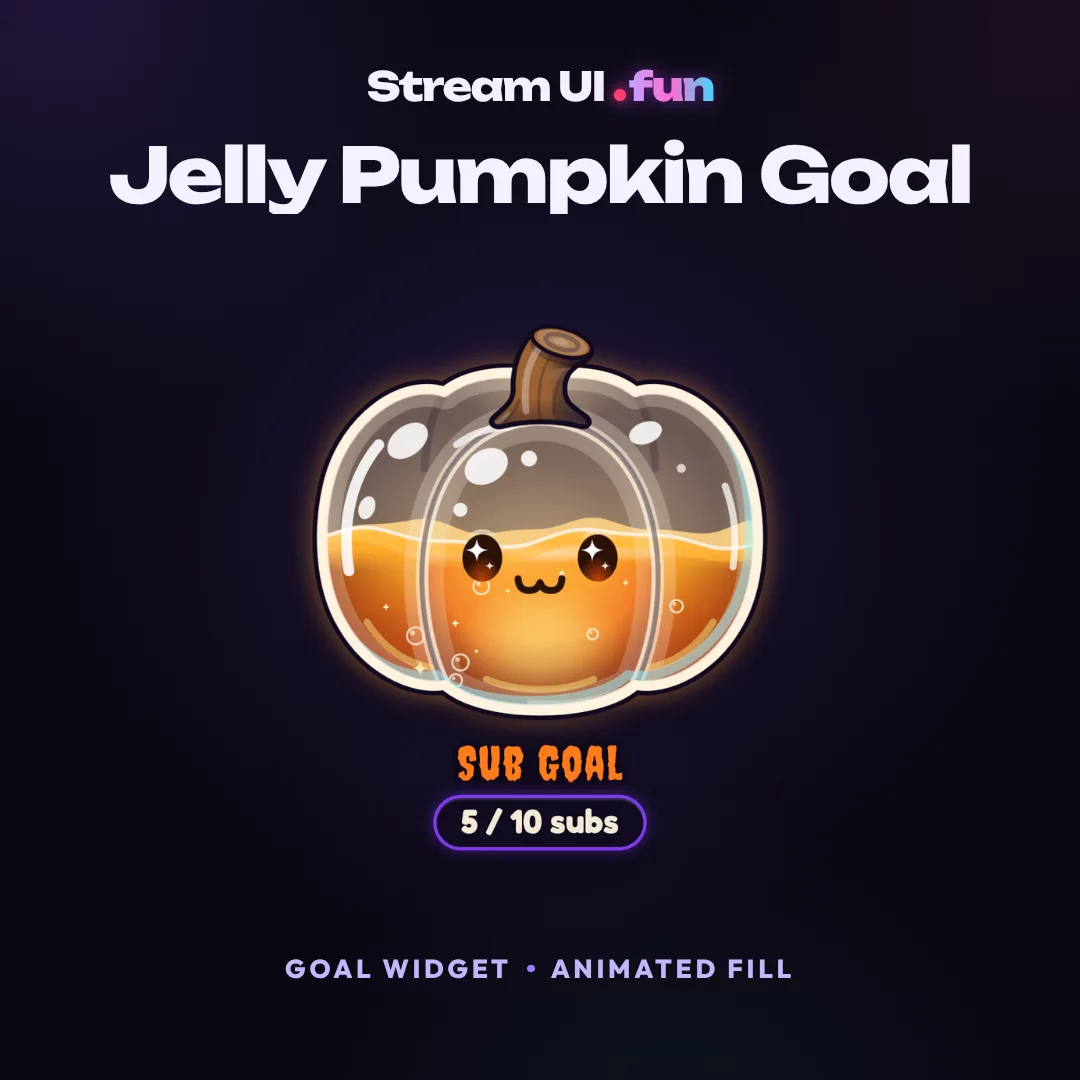 NEW
NEWGoal Widget · Animated Fill
Works with OBS Studio, Streamlabs, StreamElements, Meld Studio, XSplit
$14.99
In the Halloween Bundle · save 81%
ProductCardproduct/ProductCard.astro · hover to play the previewBe first to grab them at launch prices.
New drops show up right here in the Store.
Join the .fun SquadJoin the SquadRequest a style on Discord (opens in a new tab)GhostCardcollection/GhostCard.astro · fills the next slot below 4 productsProduct details
BuyBoxproduct/BuyBox.astro · Graveyard Stream Chat · reference order, do not reorderAdd on-screen chat to OBS in 60 seconds, make it transparent, and style it so viewers actually read it. Works for Twitch, YouTube and Kick.
BlogCardblog/BlogCard.astro · one stretched link“Placeholder quote. A real buyer's words go here, with permission, once 3 verified quotes exist.”
TestimonialCardhome/Testimonials.astro · renders only from 3 real quotes (data/testimonials.ts is empty at launch)AnnouncementBarchrome/AnnouncementBar.astro · all 1 live messages shown stacked; on the site they rotate every 5s